App-Controlled Lock Installation in Nuevo: Fix Guide
By Julian's Locksmith, , 8 min read
A step-by-step troubleshooting guide for app-controlled lock installation problems in Nuevo, from simple Wi-Fi fixes to when a licensed locksmith should take over.
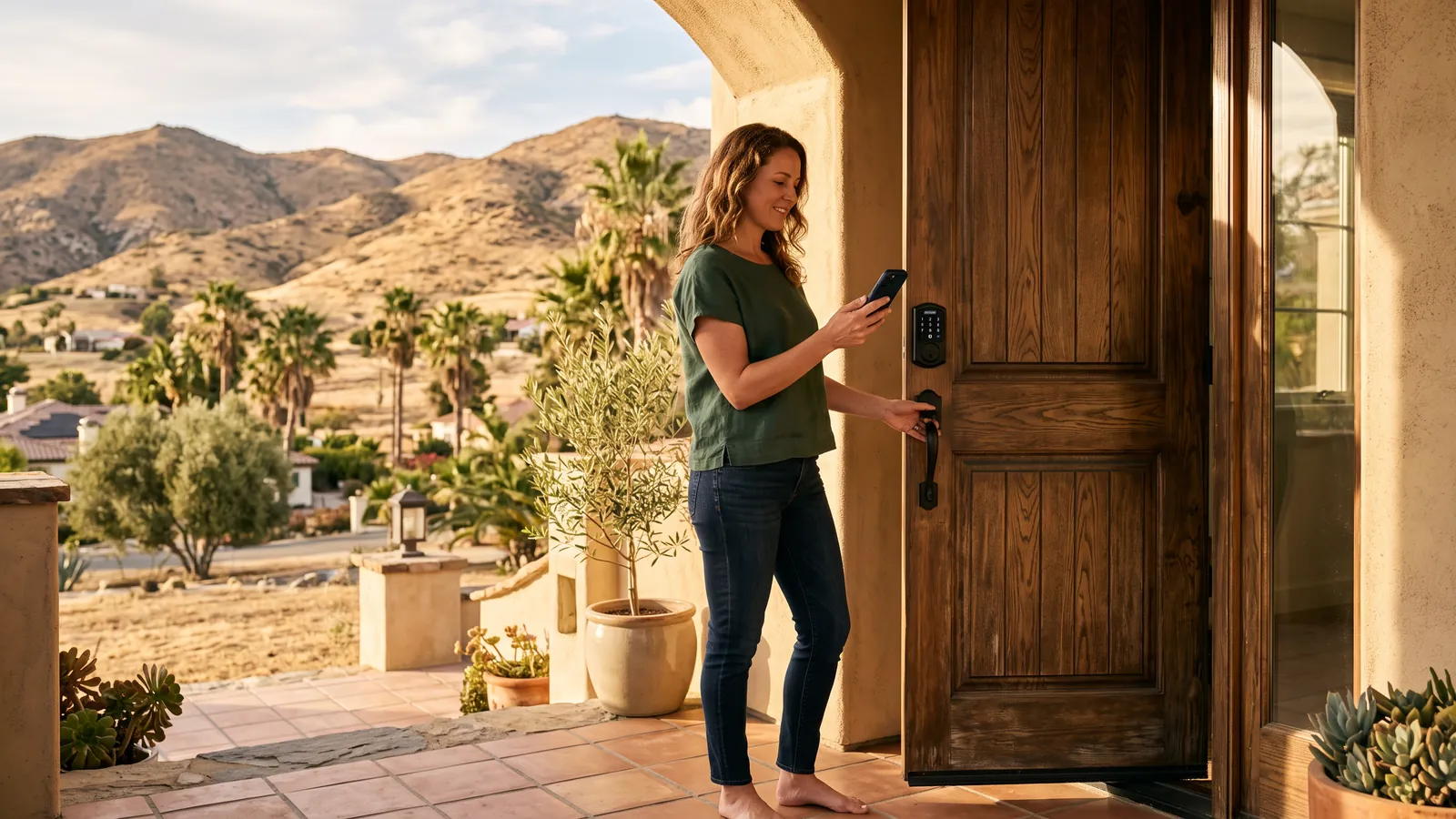
If your smart lock in Nuevo won't respond to the app, start with the basics: check the batteries, confirm your phone's Bluetooth and Wi-Fi are on, and restart the lock's companion hub if you have one. Most app-controlled lock problems trace back to power, connectivity, or a settings glitch rather than the lock itself. Work through the steps below in order, and if the deadbolt still won't lock, unlock, or pair after that, it's time to call a licensed locksmith.
Start With the Lock Itself, Not the App
Before you touch your phone, look at the lock. A surprising number of "app" problems are actually physical issues that happen to show up as a connection error.
- Check the deadbolt by hand. Turn it manually with the interior thumbturn. If it binds, drags, or won't fully retract, the issue is mechanical, not digital, and no app reset will fix it.
- Look at the indicator light. Most app-controlled locks flash a pattern for low battery, failed lock attempts, or firmware updates. A slow red blink almost always means batteries, not software.
- Open and close the door fully. Smart locks rely on the deadbolt lining up with the strike plate. If the door has swollen from humidity or shifted slightly on its hinges, as can happen after a hot, dry fall followed by rain, the bolt may not seat, and the lock will report an error even though nothing is wrong electronically.
If the hardware moves freely and lines up correctly, move on to connectivity.
Fix the Simple Stuff First: Batteries and Wi-Fi
Dead or weak batteries cause more app-controlled lock failures than any other single issue. Southern California's fall temperature swings, warm afternoons followed by cool nights, can accelerate battery drain in locks mounted on exterior doors that face direct sun.
- Replace batteries with a fresh set, even if the old ones test as partially charged. Smart lock motors draw more current than the battery indicator accounts for.
- Confirm your home Wi-Fi is online. If your router rebooted after a brief outage, which is common during Santa Ana wind season when utility crews shut off power preemptively in fire-prone areas, your lock's hub may not have reconnected automatically.
- Check the hub or bridge device. Many app-controlled locks use a small plug-in hub to bridge Bluetooth to Wi-Fi. If the hub's light is off or amber instead of solid green or blue, unplug it, wait 10 seconds, and plug it back in.
- Move your router or hub if they're far apart. Thick stucco walls and metal door frames, common in newer Nuevo construction, can weaken the signal between the lock and the hub.
If the app still shows "offline" after a battery swap and a router restart, the problem is likely with the app or account itself.
App and Account Troubleshooting
Once hardware and connectivity are ruled out, check the software layer.
- Force-close and reopen the app. A surprising number of sync issues clear up after a simple restart.
- Check for app and firmware updates. Manufacturers push updates periodically, and an out-of-date app version sometimes can't communicate with a lock that's already updated its firmware.
- Log out and back into your account. This refreshes the authentication token the app uses to talk to the lock, which can resolve "stuck loading" screens.
- Confirm you're on the correct Wi-Fi network. If your phone switched to cellular data or a neighbor's open network, the app may fail to find the lock even though the lock itself is fine.
- Review shared user access. If a family member or guest removed themselves (or was removed) from the account, their permissions may not sync correctly until the app refreshes.
Most app-level glitches resolve within these five steps. If they don't, the lock may need a factory reset.
Resetting the Lock: What to Know Before You Do It
A factory reset wipes stored codes, paired devices, and schedules, so treat it as a near-last resort before calling for help.
- Locate the reset button or combination, usually inside the battery compartment or on the interior assembly.
- Have your account login ready, since you'll need to re-pair the lock from scratch.
- Write down any existing guest codes or schedules first; a reset erases them and they can't be recovered afterward.
- After resetting, re-pair the lock close to the router or hub to avoid repeating the connectivity troubleshooting above.
If a reset still doesn't bring the lock back online, or if it pairs but won't actually lock and unlock on command, the issue is likely either a defective unit or an installation problem that needs hands-on attention. That's the point where DIY troubleshooting reaches its limit.
When the Problem Is the Installation, Not the App
Some symptoms point directly to how the lock was installed rather than anything in the app:
- The deadbolt throws, but the door doesn't fully latch, suggesting strike plate misalignment.
- The lock works manually but never pairs, which can mean a wiring issue inside the assembly.
- The motor runs but doesn't turn the bolt, often a sign the adapter or spindle wasn't matched to your door hardware.
- The lock loosens or wobbles on the door after a few weeks, pointing to mounting screws that weren't seated into solid wood or a strike plate that wasn't reinforced.
These aren't app problems, and no amount of resetting or re-pairing will fix them. A proper App-Controlled Lock Installation in Nuevo accounts for door thickness, backset, and existing bore holes before the hardware ever gets mounted, which prevents most of these issues from happening in the first place.
Seasonal Factors Worth Ruling Out
A few things specific to fall in Southern California are worth checking before you assume the lock itself is faulty:
- Santa Ana winds and power blips. Utility companies sometimes cut power during high-wind, high-fire-risk conditions. If your hub lost power, your lock's manual functions still work, but app control won't resume until the hub reconnects.
- Daylight saving time changes. When clocks shift back, some smart locks with scheduled auto-lock or guest-access windows can briefly show the wrong time in the app. Check your schedule settings after the time change to confirm access windows are accurate.
- Back-to-school and holiday routines. If you've added new household members, sitters, or house-sitters to your lock's code list for busier fall schedules, double-check that each code was saved correctly. A code that "almost" matches the one you intended won't work, and that's a settings issue, not a hardware fault.
None of these require a service call on their own, but they're worth ruling out before assuming something is broken.
DIY Checklist Before You Call a Locksmith
Run through this list in order. If you get through all of it and the lock still isn't working as expected, stop troubleshooting and get a professional opinion.
- Replace batteries with a fresh set.
- Manually operate the deadbolt to confirm it moves freely.
- Restart your router and the lock's hub or bridge.
- Force-close and reopen the app, checking for updates.
- Log out and back into your account.
- Confirm the correct Wi-Fi network is selected on your phone.
- Factory reset the lock and re-pair it near the router.
If the lock fails any mechanical check, like binding, grinding, or not fully throwing the bolt, skip straight to calling a locksmith. Mechanical problems can get worse with repeated forced use, and in some cases can damage the door frame.
When to Call a Locksmith
Call a locksmith if:
- The deadbolt binds, grinds, or doesn't fully retract or extend, even with the door closed correctly.
- The lock pairs with the app but the motor doesn't turn the bolt.
- You've completed a factory reset and the lock still won't connect.
- The lock works but has loosened from the door or shows gaps between the lock body and the door face.
- You're installing a new app-controlled lock for the first time and want it matched correctly to your door's hardware, backset, and bore holes.
A licensed locksmith can also advise on compatibility if you're considering Smart Lock Installation on an older door, a security screen door, or a door with existing damage from a prior lock. For Nuevo homes specifically, local techs are familiar with the mix of older ranch-style doors and newer stucco construction common in the area, which affects how a lock mounts and how well its hub signal reaches the router.
If you're weighing your options for a full upgrade rather than a repair, our Smart Locks & Keyless Entry in Nuevo page covers the range of devices available, and our Smart Lock Setup in Nuevo service handles the pairing and configuration work so you're not troubleshooting app settings on your own after installation.
What to Expect From a Service Call
Before any work begins, a locksmith will verify your identity and confirm you own or reside at the property, standard practice under California's locksmith licensing requirements. You'll receive a price quote before any work starts, based on factors like the lock model, door condition, and whether hardware modification is needed. There's no obligation to proceed once you hear the quote.
If your lock issue turns out to be a straightforward settings or connectivity fix, a technician can often resolve it on-site without replacing anything. If the installation itself needs correcting, such as a misaligned strike plate or a spindle mismatch, that's addressed as part of the same visit. For locks that are failing repeatedly or showing signs of wear, Smart Lock Troubleshooting in Nuevo covers diagnostic visits specifically, separate from new installations.
Choosing the Right Lock the First Time
If your current app-controlled lock keeps causing problems and a reset or repair hasn't held, it may be worth replacing it rather than continuing to troubleshoot an aging or mismatched unit. When selecting a new lock, consider:
- Door compatibility. Confirm the backset, door thickness, and bore hole size match the lock's specifications before buying.
- Connectivity type. Some locks use Wi-Fi directly, others rely on a separate hub, and some are Bluetooth-only with no remote app access away from home. Know which type fits how you'll actually use it.
- Battery life and alerts. Look for models that send a low-battery notification to the app well before the lock stops functioning.
- Manual override. A keyed cylinder or keypad backup ensures you're not locked out entirely during a connectivity or battery failure.
A locksmith familiar with Smart Lock Installation in Nuevo can walk through these options against your specific door and household needs, rather than leaving you to guess from a retail box.
Reach Julian's Locksmith in Nuevo
If you've worked through the troubleshooting steps above and your app-controlled lock still isn't cooperating, or if you're ready to have one installed correctly the first time, call Julian's Locksmith at (951) 903-3193. We're a licensed, insured, and bonded mobile locksmith (California locksmith company license LCO7891, verifiable at search.dca.ca.gov), available 24 hours a day, seven days a week, serving Nuevo and surrounding communities across Riverside County. You'll get a clear price quote before any work begins. You can also reach us anytime through our contact page or learn more about our Locksmith in Nuevo services.
Frequently asked questions
Why won't my app-controlled lock connect after a power outage?
Santa Ana wind events can knock out power and reset your router. Most smart locks need the hub or bridge to reconnect to Wi-Fi before the app will sync. Restart your router first, then the lock's hub, and wait a few minutes before reopening the app.
Can I install an app-controlled lock on any door in Nuevo?
Most standard residential doors with a standard backset and door thickness work, but older doors, metal security doors, or doors with non-standard bore holes may need hardware modification. A locksmith can check your door and recommend compatible models.
Do app-controlled locks still work during a power or internet outage?
Yes, in most cases. The physical lock mechanism runs on its own batteries, so you can still use a keypad code, physical key, or Bluetooth from your phone even without Wi-Fi or a hub. Only remote access through the app requires an internet connection.
How do I know if my lock's problem is the battery or the app?
Check the keypad or lock's indicator light first. A slow-blinking red light or sluggish response usually points to low batteries. If the physical lock works fine with a code but the app shows it offline, the issue is likely Wi-Fi or hub-related, not the battery.
When should I stop troubleshooting and call a locksmith?
Call a locksmith if the deadbolt binds or grinds, the lock doesn't fully throw, firmware updates repeatedly fail, or you've reset the device and it still won't pair. These usually point to a mechanical or installation issue rather than a settings problem.
More locksmith advice
- Emergency Door Unlocking in Wildomar: 24/7 Local Home Lockout Guide
- Key Fob Access Control in Chino: How It Works
- Mechanical Safe Lock Repair in Costa Mesa: Full Guide
- Door Closes Too Slowly? Fullerton Fix Guide
- Commercial Latch Repair in Anaheim: Mistakes to Avoid
- Rekey Locks After Tenant Moves Out: North Fontana Guide